Comparison · Updated August 1, 2026

Best Smart Home Hubs for Water Leak Sensors
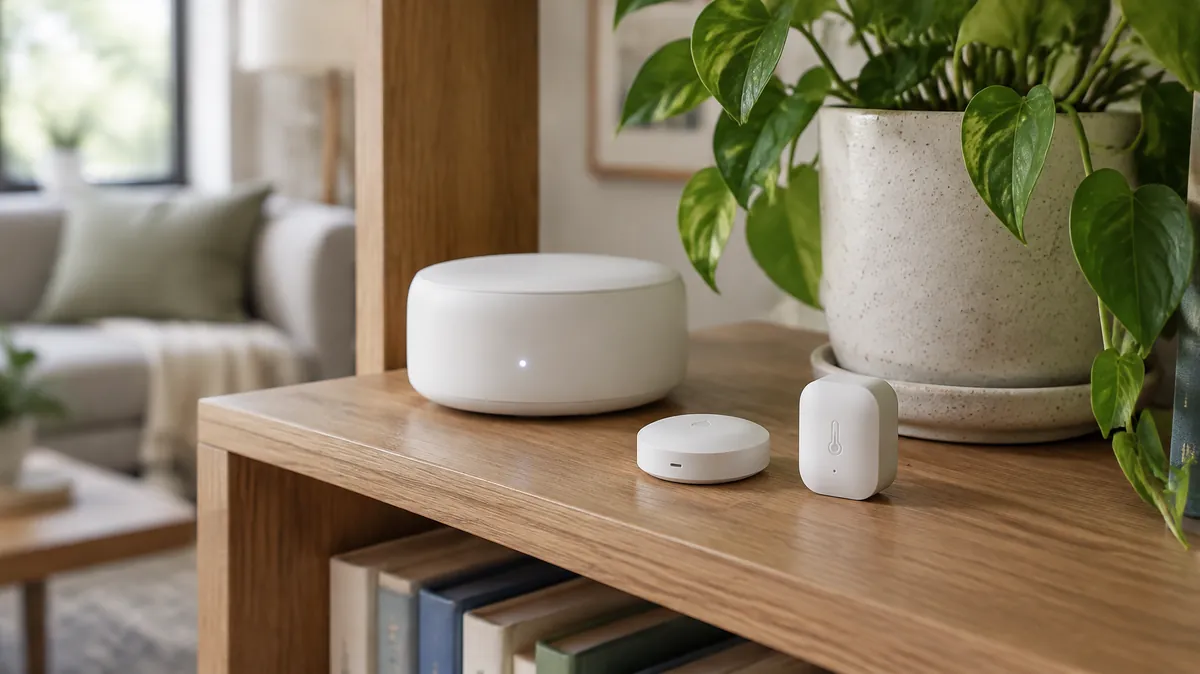
A single standalone sensor doesn't need a hub. A house full of them — especially across multiple floors or a basement with thick concrete walls — usually does. Here's how SmartThings, YoLink, and Ring stack up as the backbone for a leak sensor network specifically.

This guide contains affiliate links. We may earn a commission at no extra cost to you — see our full disclosure.

Key takeaways

  • Pick the hub before the sensors — it's the expensive part to switch later, and it decides your range, reliability, and brand lock-in.
  • YoLink wins on range through concrete and multiple floors; SmartThings wins on flexibility for mixing sensor brands.
  • Ring only makes sense if you already run Ring Alarm — its closed ecosystem isn't worth adopting from scratch.
  • Aqara Hub M3 is the pick for Apple HomeKit households, with native Matter/Thread support and smaller sensors.
  • Platform shutdown is a real risk — discontinued hubs can leave working hardware unable to send alerts.

Why the hub choice matters more than the sensor choice

Individual leak sensors are cheap and mostly interchangeable in what they do — detect water, send an alert. The hub is the part that's expensive to switch later, because it determines your range, your reliability during an internet or power outage, and whether you're locked into one manufacturer's ecosystem or free to mix brands. Pick the hub first, then build the sensor network around it — not the other way around.

Side by side

Spec comparison

HubProtocolMixed brands?Works without internet?
SmartThingsZ-Wave & ZigbeeYes — broad third-party supportLocal automations can run, but the app and remote alerts need internet
YoLinkProprietary LoRa radioLimited — mostly YoLink's own sensor lineupLocal siren and some automations continue; app alerts need internet
Ring AlarmZ-Wave, closed ecosystemNo — Ring/Ring-certified devices onlyRing Alarm has a cellular backup option on paid plans
Aqara Hub M3Zigbee & Matter/ThreadYes — plus native Matter for Apple HomeKitLocal Zigbee automations continue; remote alerts need internet

Our take

Which one fits your situation

01
YoLink
Best for Range & Reliability

YoLink

Long-range radio instead of WiFi means this one actually reaches a basement mechanical room or a detached garage — no extenders, no dead zones. What you give up for that range is choice: you're mostly buying into YoLink's own sensor catalog rather than mixing and matching brands freely.

  • Best forBasements, multi-building properties, homes with thick concrete or masonry walls
  • Watch forSmaller third-party device selection than SmartThings
02
Samsung SmartThings
Best for Flexibility

Samsung SmartThings

Already own a mix of smart home gear, or think you might add more later? This is the one that won't box you in — Z-Wave and Zigbee support together means the widest range of compatible leak sensors from different manufacturers, all on one hub.

  • Best forHomes building a broader smart home system, not just leak sensors
  • Watch forRange through concrete and multiple floors is weaker than YoLink's dedicated radio approach
03
Ring Alarm
Best If You Already Have Ring

Ring Alarm

If you're already running Ring for security, this is worth a look — leak and freeze sensors slot right into the same app you're checking anyway. Building a sensor network from scratch, though, there's no real reason to pick this over the other two.

  • Best forExisting Ring Alarm households wanting leak detection in the same app
  • Watch forClosed ecosystem — locked to Ring-certified devices only
04
Aqara Hub M3
Best for Apple HomeKit & Matter

Aqara Hub M3

Worth calling out separately since it does something none of the other three do natively: it's a genuine Matter controller and Thread border router, which makes it the cleanest option for an Apple HomeKit household rather than routing everything through a cloud bridge the way SmartThings and Ring do. Aqara's own water leak sensors are also some of the smallest on the market, small enough to tuck behind a toilet or under a dishwasher where a bulkier sensor won't fit.

  • Best forHomeKit-primary households, tight sensor placement spots
  • Watch forZigbee sensor range tops out around 10 meters from the hub — plan placement accordingly in a larger home

The risk nobody mentions: platform shutdowns

Smart home companies have discontinued hubs before, sometimes with just a few months' notice, leaving working hardware that can no longer send alerts because the servers it depends on go dark. There's no way to fully insure against this, but it's worth weighing company size and how long the platform has existed before committing a whole-house sensor network to one ecosystem. A hub with local automations that keep working without the cloud — even in a reduced form — holds up better than one that goes fully silent the moment its servers do.

FAQ

Common questions

Do I even need a hub?

Not for a handful of sensors in a small home — standalone WiFi sensors skip the hub entirely. It starts earning its cost with a bigger home, thicker walls, or multiple device types on one system.

What if the hub company shuts down?

The hardware usually stops sending alerts even though it still physically works, since it depends on the company's servers. It's happened before in this industry — worth weighing before committing to one ecosystem.

Can I mix sensor brands on one hub?

Depends on the protocol. Z-Wave/Zigbee hubs like SmartThings generally support multiple manufacturers; closed systems like Ring don't.

Which sensors should I actually buy once I pick a hub?

See our leak detector guide for specific picks, several of which are compatible with more than one of the hubs above.